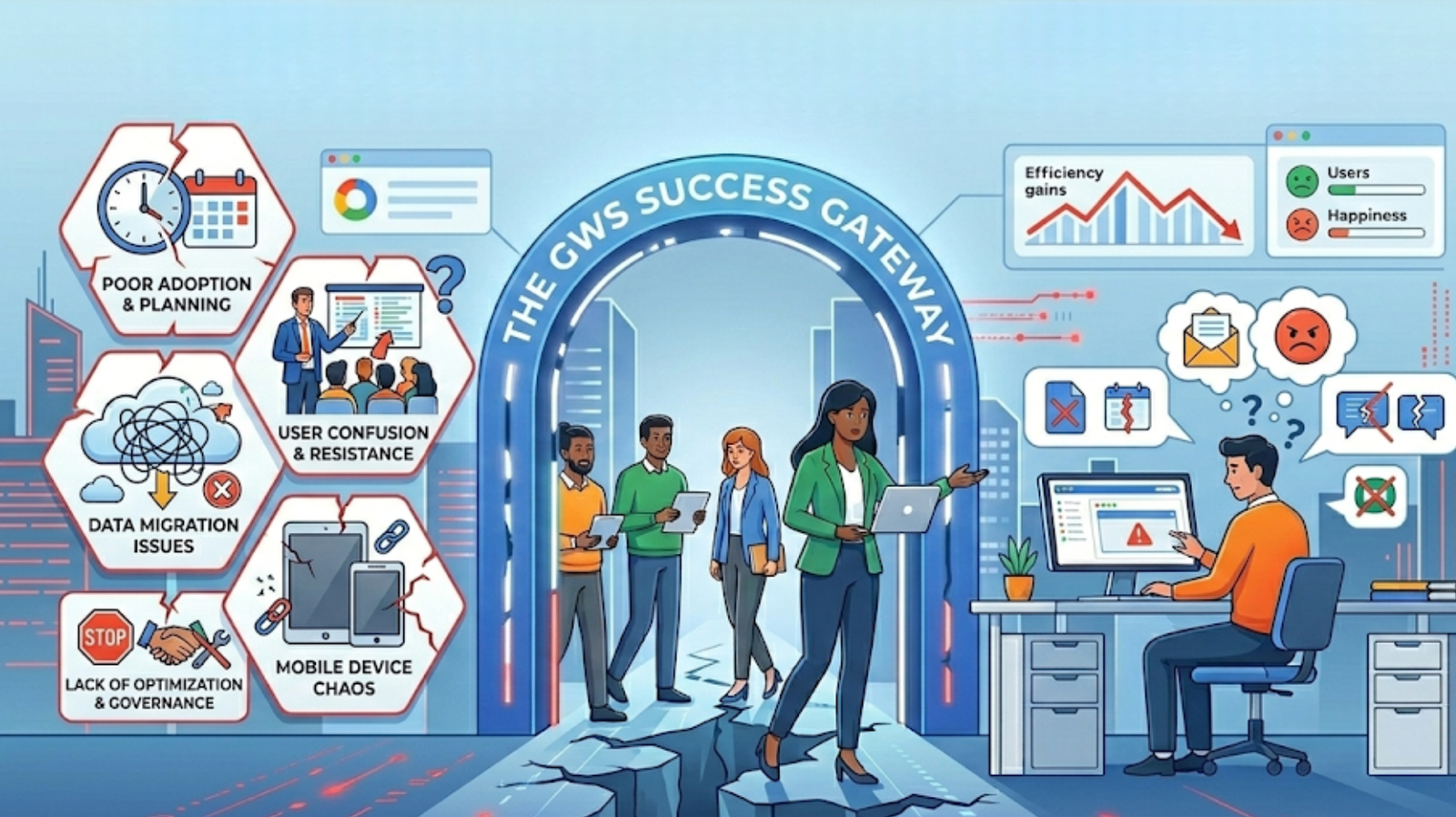
Google Workspace is widely adopted because it promises simplicity, collaboration, and scalability. Yet many organizations deploy it successfully and still struggle months later — inconsistent usage, security concerns, fragmented workflows. The platform isn’t the problem. Training and optimization are treated as optional, when they’re actually the phase that determines whether Workspace delivers real value or just becomes another toolset nobody fully uses.
In this article
- Deployment gives access — training creates impact
- The hidden cost of poor Workspace adoption
- Why one training session is never enough
- Optimization is the missing layer
- Admin enablement matters just as much
- Supporting distributed teams across GCC and Africa
- Turning Workspace into a real productivity platform
Deployment Gives Access. Training Creates Impact.
Migrating to Google Workspace gives teams access to Gmail, Drive, Docs, and Meet. But access alone doesn’t change behavior. Tools don’t transform how people work — guidance does.
⚠️ Without structured training, teams typically
- Continue sharing documents through email attachments out of habit
- Create duplicate files scattered across personal drives
- Use inconsistent folder structures no one else can navigate
- Ignore collaboration features entirely and work in isolation
- Build workarounds outside the platform — defeating the whole purpose
Training ensures teams understand not only how tools work — but how they should be used together to get real work done.
The Hidden Cost of Poor Workspace Adoption
When Google Workspace isn’t used effectively, the consequences are subtle at first — then they compound. Most organizations experiencing this don’t need new tools. They need better enablement of the tools they already pay for.
What poor adoption looks like
- Reduced productivity from manual, duplicated effort
- Disorganized information with no clear ownership
- Security risks from improper sharing and permissions
- No visibility for managers into team activity or files
- Growing reliance on manual processes Workspace should replace
What proper adoption delivers
- Faster, more consistent collaboration across all teams
- Clean, findable file structures everyone understands
- Secure sharing habits enforced through training
- Full manager visibility into team files and activity
- Workspace handling the processes it was built for
Why One Training Session Is Never Enough
Many companies run a short introduction session after migration and assume the job is done. It never is. Google Workspace is a living environment — it evolves constantly, teams grow, and processes change. Training that’s frozen in time becomes irrelevant fast.
Admin Training
Governance, security policies, and console management done right
Role-Based Training
Separate tracks for managers, teams, and individual contributors
Practical Workflows
Real use cases — not feature walkthroughs disconnected from daily work
Ongoing Reinforcement
Continuous enablement as teams grow and Workspace evolves
Optimization Is the Missing Layer
Training explains how tools work. Optimization ensures the environment is configured correctly for how your organization actually operates. Most deployments skip this step entirely — and then wonder why adoption stalls.
Optimization transforms Workspace by
- Designing shared drive structures that match your org and workflows
- Improving permission models so the right people have the right access
- Standardizing collaboration workflows across every department
- Aligning Workspace configuration with actual company processes
- Reducing friction in everyday tasks so adoption happens naturally
This step is what transforms Workspace from a collection of apps into a cohesive operating environment your entire organization can rely on.
Admin Enablement Matters Just as Much
One of the most consistent oversights in Workspace deployments is underestimating the admin role. Admins are handed console access and expected to figure it out. When they’re not properly trained, small misconfigurations compound into serious problems over time.
Untrained admins create
- Misconfigured security settings left at defaults
- Inconsistent policy enforcement across the org
- Reactive problem-solving instead of prevention
- No audit visibility when issues arise
Enabled admins deliver
- A stable, well-governed Workspace environment
- Consistent policies applied correctly from the start
- Proactive monitoring before issues escalate
- A scalable foundation as the company grows
Supporting Distributed Teams Across GCC & Africa
For organizations operating across Africa, GCC, and MENA, structured enablement becomes even more critical. Teams work across time zones, cultures, and departments — and without clear processes, Workspace becomes a different experience for every region.
Consistent Practices
The same workflows and standards applied across every region
Culturally Aware Training
Delivery adapted for different working styles and backgrounds
Remote-First Enablement
Structured sessions that work regardless of location or time zone
Training is what bridges the gap between having access to Workspace and actually using it the same way across a distributed organization.
Turning Workspace Into a Real Productivity Platform
When organizations invest properly in training and optimization, the change is visible across every team and every layer of the business. It’s the difference between using Google Workspace and genuinely relying on it.
- Teams collaborate more naturally — without workarounds or confusion
- Information becomes organized, findable, and owned
- Security improves through consistently applied policies
- Managers gain clear visibility into team activity and files
- Processes become smoother, faster, and repeatable at scale
Deployment starts the journey. Training and optimization are what make it successful — and what ensure the investment keeps compounding over time.
Technology adoption doesn’t happen automatically. It’s designed — through training, structure, and continuous optimization.
Tarek Yassine, CEO — Inboxive SolutionsStop leaving Workspace value on the table.
We help organizations across GCC and Africa move beyond deployment — building training programs and optimized environments that drive real, lasting adoption.
Explore Training & Optimization →