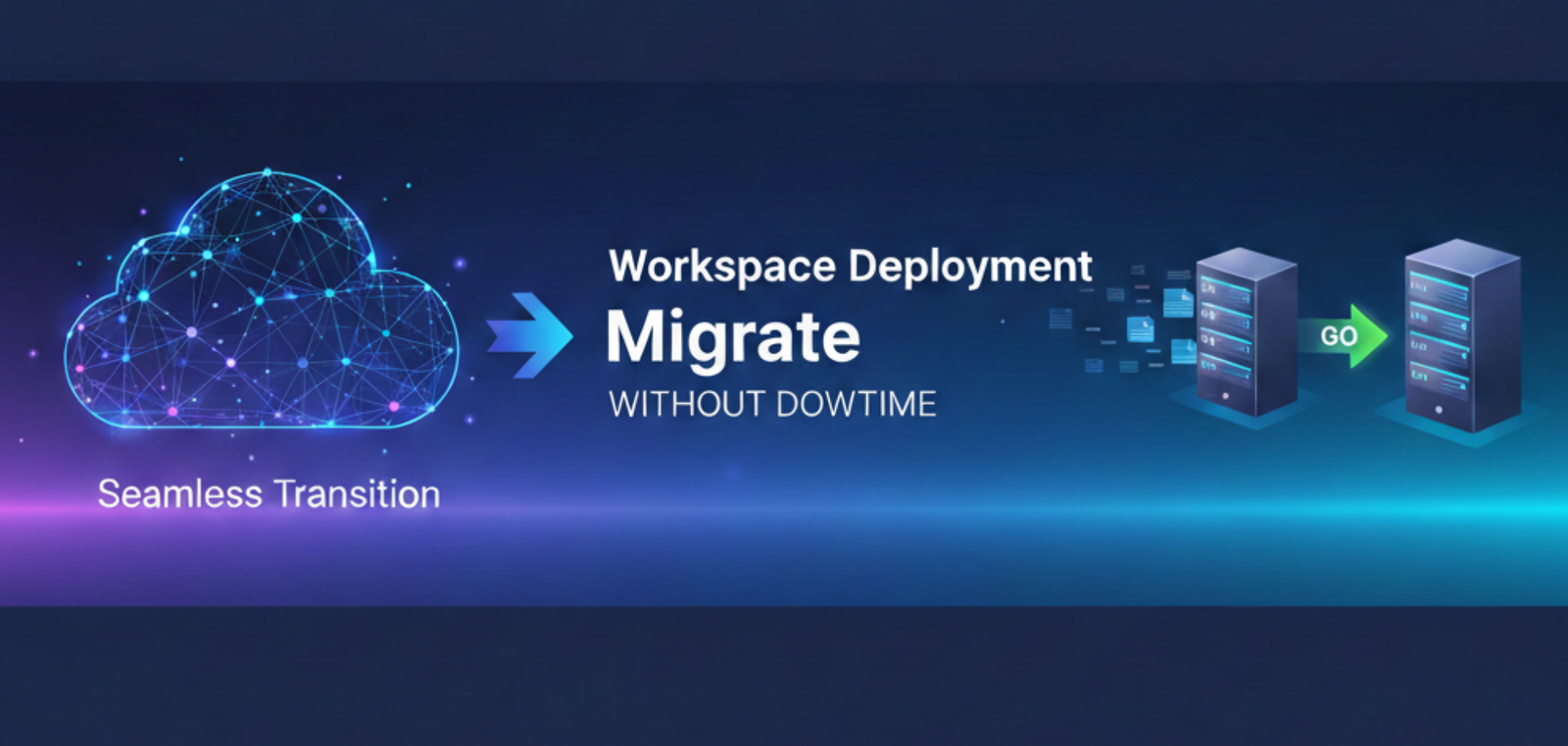
Migrating to Google Workspace can significantly improve collaboration, security, and productivity — but only when done correctly. The biggest concern businesses have is downtime: lost emails, inaccessible calendars, disrupted workflows. The good news is that Google Workspace migrations can be performed with little to no downtime — when approached methodically and with proper planning.
In this article
- Why downtime happens during migrations
- Step 1 — Assess the current environment
- Step 2 — Design the Workspace architecture
- Step 3 — Migrate data in phases
- Step 4 — Configure DNS and email security
- Step 5 — Train users and enable adoption
- Step 6 — Post-migration support and optimization
- When to use professional help
Why Downtime Happens During Migrations
Downtime during a Google Workspace migration is rarely caused by the platform itself. It happens because of poor planning, rushed execution, or skipped steps. A migration is not just a data transfer — it’s a full operational transition that touches every person in the organization.
⚠️ Common causes of migration downtime
- Incorrect DNS and MX record changes made too early or incorrectly
- Incomplete data mapping — emails, calendars, and contacts left behind
- Migrating without user communication or any training in place
- Cutting over before the new environment has been validated
- Overlooking security settings and access policies during the transition
A migration is not just about moving data — it’s about protecting how people work while the transition happens.
The 6-Step Migration Process
A safe, low-disruption Google Workspace migration follows a structured, phased approach. Each step builds on the previous — skipping any one of them is where problems begin.
-
1
Assess the Current Environment
Before any data is moved, the existing environment must be fully audited. Skipping this step is the single most common cause of mid-migration surprises.
Email platform DNS & domain config User accounts & aliases Data volume Security & compliance -
2
Design the Workspace Architecture
Google Workspace should be fully designed before migration begins — not configured on the fly. A well-structured environment reduces friction and makes adoption significantly easier.
Domain structure User & group org Shared drives Admin roles Security policies -
3
Migrate Data in Phases
A phased migration is always the safest approach. Users continue sending and receiving emails throughout — disruption is minimal and controlled.
Pre-migration sync Background migration Validation & testing Low-impact cutover -
4
Configure DNS and Email Security
Incorrect DNS changes are the most common cause of email downtime. Every record must be configured precisely and verified before the final cutover.
MX records SPF DKIM DMARC Domain verification -
5
Train Users and Enable Adoption
Migration success isn’t measured by data moved — it’s measured by how well teams adopt the new tools. Without training, teams revert to old habits within weeks.
Gmail & Calendar Drive structure Shared drives Meet & Docs -
6
Post-Migration Support & Optimization
A clean cutover is not the finish line. The environment needs to be monitored, issues addressed, and workflows continuously improved as the organization grows into Workspace.
Data integrity checks User issue resolution Security fine-tuning Workflow optimization
When to Use Professional Help
Some migrations can be handled internally. Others carry too much risk to attempt without structured expertise. If any of the following apply, professional support is the right call.
Consider professional support if
- Migrating from Microsoft 365, Exchange, or legacy email
- Operating across multiple domains or regions
- Requiring zero or near-zero downtime
- Security, compliance, or data sovereignty is critical
- Teams are non-technical or distributed across time zones
What professional support delivers
- Full pre-migration audit and risk assessment
- Structured architecture before any data is moved
- Phased execution with monitoring at every stage
- DNS and security configuration verified end-to-end
- Training and post-migration optimization included
Migrating to Workspace the Right Way
A successful Google Workspace migration isn’t a single event — it’s a structured sequence of decisions, validations, and enablement activities. Get any one of these wrong and the whole organization feels it.
Clear Planning
Every decision made before any data is touched
Technical Precision
DNS, security, and architecture configured correctly
Phased Execution
Data moved in controlled stages with zero disruption
A successful Google Workspace migration isn’t about moving data — it’s about protecting how people work. At Inboxive, we approach migration as a business-critical operation: carefully planned, securely executed, and supported by training and optimization. That’s how we deliver migrations with zero disruption and long-term impact.
Tarek Yassine, CEO — Inboxive SolutionsMigrate to Google Workspace without the risk.
We plan, execute, and support Google Workspace migrations across GCC and Africa — with zero disruption to your team’s daily operations.
Explore Migration Services →