
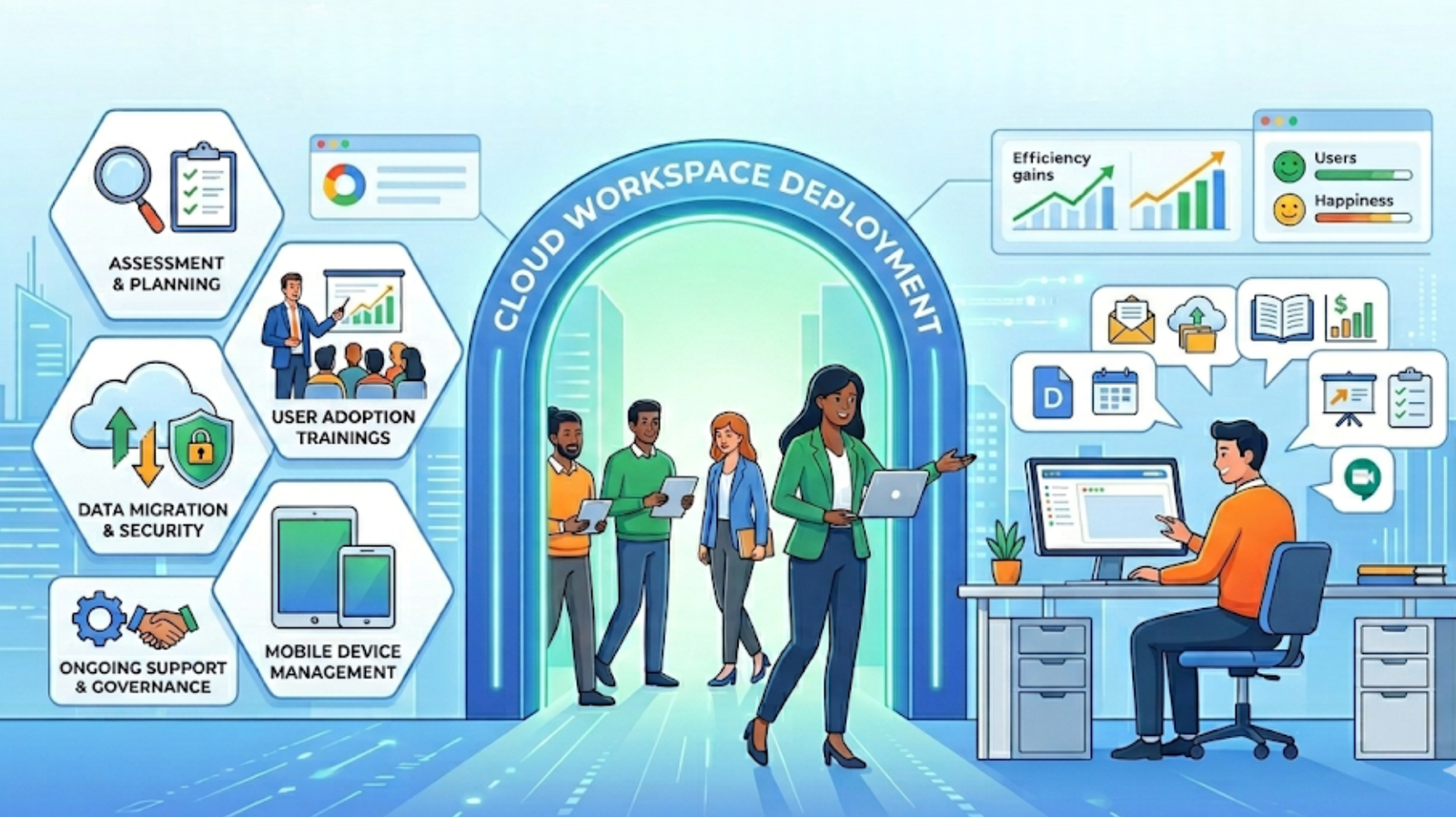
Many organizations think deploying Google Workspace simply means creating accounts and moving email. In reality, a proper deployment is an architectural project — one that shapes communication, security, collaboration, and long-term operational efficiency. When done correctly, Workspace becomes the backbone of how your teams work. When done poorly, it becomes a collection of disconnected tools nobody uses consistently.
In this article
- Deployment is not just setup
- Step one: understanding the current environment
- Designing the Workspace architecture
- Migration strategy and planning
- DNS, security, and email deliverability
- Structuring collaboration properly
- Admin governance and control
- Training, post-deployment optimization, and final thoughts
Deployment Is Not Just Setup
A Google Workspace deployment should never start with the Admin Console. It should start with a deep understanding of your organization — how people communicate, how teams collaborate, how data should flow, and what the environment needs to look like in two years, not just next week.
Setup without strategy
- Accounts created, tools activated
- DNS configured without proper testing
- No defined collaboration structure
- Security settings left at defaults
- Teams left to figure it out on their own
Proper deployment
- Architecture designed before any configuration
- DNS, SPF, DKIM, and DMARC verified end-to-end
- Shared drives and permissions planned upfront
- Security policies enforced from day one
- Teams enabled through structured training
Without proper groundwork, technical configuration becomes guesswork — and guesswork in infrastructure always shows up as problems later.
Step One: Understanding the Current Environment
Before a single setting is touched, the existing environment has to be fully evaluated. Skipping this step is the single most common cause of migration surprises — from lost emails to broken DNS to orphaned file ownership.
Pre-deployment assessment covers
- Current email system and data volume
- Domain and DNS configuration state
- User structure, roles, and access requirements
- File storage patterns and ownership mapping
- Security requirements and compliance considerations
This assessment is what turns deployment from a technical task into a structured, predictable project.
Designing the Workspace Architecture
A well-designed Google Workspace environment is entirely intentional. Every structural decision made during architecture directly shapes how easy — or difficult — the platform is to manage and adopt at scale.
Organizational Units
Logical groupings that control policy inheritance across teams and departments
Roles & Permissions
User roles defined to match actual responsibilities and access needs
Shared Drive Structure
Organized, scalable drive architecture that prevents file chaos
Device & Security Config
Device management rules and security policies aligned to the org
Good architecture simplifies ongoing management and dramatically improves adoption — because the platform feels organized from the moment users log in.
Migration Strategy and Planning
Deployment and migration often overlap, and this phase requires careful coordination to avoid disruption. A phased, tested approach is always safer than a single hard cutover — regardless of organization size.
-
1
Data Mapping
Audit and map all existing data — email, files, contacts, calendars — before any migration begins
-
2
Pre-Migration Syncing
Begin syncing data to the new environment before cutover to minimize the final migration window
-
3
Testing Environments
Validate configuration, permissions, and data integrity in a test environment first
-
4
Pilot Users
Run a controlled rollout with a small group to surface issues before full deployment
-
5
Phased Migration & Final Cutover
Roll out in waves by department or region, with a clean final cutover once validated
DNS, Security, and Email Deliverability
DNS configuration is one of the most technically sensitive stages of any Google Workspace deployment. Incorrect configuration is also one of the most common causes of early Workspace problems — from emails landing in spam to domain verification failures.
⚠️ Missing DNS records cause
- Outbound emails flagged as spam or rejected outright
- Domain verification failures blocking admin access
- Spoofing vulnerabilities left open without DMARC
- Email reputation damage that takes weeks to recover
Required DNS configuration
- MX records pointing to Google mail servers correctly
- SPF record authorizing Google to send on your domain’s behalf
- DKIM signature enabling cryptographic email authentication
- DMARC policy defining how unauthenticated emails are handled
- Domain verification confirming ownership in the Admin Console
Structuring Collaboration Properly
Collaboration design is one of the most overlooked parts of a Workspace deployment. Without clear structure defined upfront, file chaos appears within weeks — duplicate documents, unclear ownership, broken sharing links, and no one sure where anything lives.
Department Shared Drives
Org-owned drives per team — files survive employee departures
Naming Conventions
Standard naming across folders and files so everyone can find anything
Controlled Permissions
Access granted by role — not handed out freely and forgotten
Clear File Ownership
Every document has a defined owner and a home it belongs to
Admin Governance and Control
Google Workspace gives admins powerful controls — but only if those controls are configured with intention. Organizations that skip governance setup end up with environments that are hard to manage, difficult to audit, and increasingly insecure as they grow.
Strong governance covers
- User lifecycle management — onboarding, offboarding, and access reviews
- Access control policies enforced at the organizational unit level
- Security monitoring and alert configuration in the Admin Console
- Data retention rules aligned to compliance requirements
- Full audit visibility into user activity and admin changes
Training, Optimization, and Long-Term Value
A technically perfect deployment can still fail if teams don’t understand how to use the platform. Training is not an optional add-on — it’s a core part of what makes a deployment successful. And deployment itself is the beginning, not the end.
Admin Enablement
Admins trained to manage, govern, and scale the environment confidently
End-User Training
Teams guided on real workflows — not just feature tours
Ongoing Optimization
Security, workflows, and automation refined as the org evolves
Over time, a well-deployed and continuously optimized Google Workspace environment becomes deeply integrated into how the entire company operates — not just a set of apps people log into.
A successful Google Workspace deployment isn’t about activating tools — it’s about designing how teams will collaborate, communicate, and operate every day.
Tarek Yassine, CEO — Inboxive SolutionsDeploy Google Workspace the right way — from day one.
We handle everything from architecture and DNS configuration to migration, training, and ongoing optimization — so your team gets a Workspace environment that actually works.
Explore Deployment & Migration →