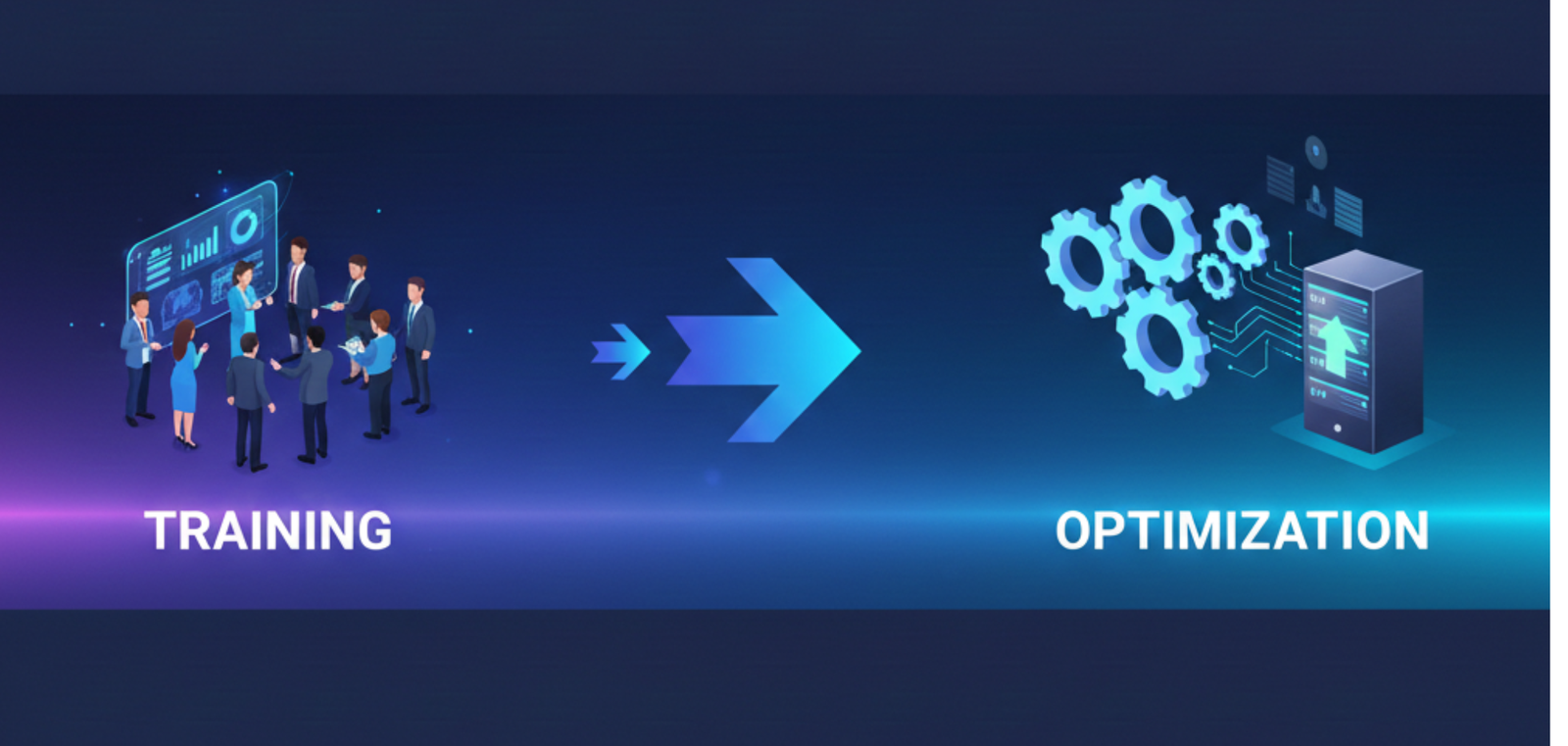
Google Workspace is one of the most powerful collaboration platforms available today. Yet many organizations invest in deployment or migration — only to discover months later that productivity hasn’t improved, adoption is inconsistent, and teams still rely on old habits. The issue is rarely the platform. The real problem is the lack of structured training and optimization.
In this article
- Deployment is not adoption
- Why one-time training is never enough
- The hidden cost of poor Workspace adoption
- What Google Workspace optimization really means
- Admin training is just as critical as user training
- Training for distributed teams across GCC and Africa
- When to invest in training and optimization
- Turning Workspace into a real productivity platform
Deployment Is Not Adoption
Deploying Google Workspace gives your teams access to tools. Training and optimization determine whether those tools are actually used — and used well. Access and adoption are two completely different outcomes.
⚠️ Common signs of poor adoption
- Teams using Gmail but completely ignoring Drive collaboration
- Documents still shared via email instead of Shared Drives
- Meetings happening without structured calendars or agendas
- Files duplicated endlessly across personal storage
- Admins struggling to maintain governance and security
Without guidance, teams default to what they already know — and the investment in migration goes to waste.
Why One-Time Training Is Never Enough
Many organizations run a single onboarding session and consider training “done”. This approach almost always fails — because adoption is a continuous process, not a one-day event.
Google Workspace also evolves constantly. New features, updated interfaces, changing admin controls — training that’s frozen in time becomes outdated fast. Effective enablement requires an ongoing commitment:
Role-Based Training
Separate tracks for admins, managers, and end users — each with different needs
Practical Workflows
Real use cases and scenarios — not generic feature walkthroughs
Reinforcement Over Time
Follow-up sessions and materials that build on initial training
Ongoing Optimization
Adapting as teams grow, change, and as Workspace evolves
The Hidden Cost of Poor Workspace Adoption
When Workspace is underused or misused, the costs are real — and they compound quietly over time. In most cases, these costs exceed the original investment in migration.
What goes wrong
- Lost productivity from manual, duplicated work
- Confusion around file ownership and access
- Increased security risks from misconfigured settings
- Shadow IT tools filling the gaps Workspace should cover
- Frustrated teams and managers with no clear direction
What proper adoption delivers
- Consistent, reliable collaboration across every team
- Clear file structures and access controls
- Stronger security posture by default
- A single platform that replaces fragmented tools
- Teams that work faster and more confidently
What Google Workspace Optimization Really Means
Optimization isn’t about adding more complexity or unlocking every feature. It’s about aligning tools with how your teams actually work — and removing the friction that slows them down.
Optimization covers
- Designing shared drive structures that match your org and workflows
- Defining clear access and permission models across all teams
- Streamlining collaboration so fewer tools are needed
- Improving meeting and communication practices company-wide
- Reinforcing security and governance policies at every layer
Done right, optimization turns Workspace from a toolset into a system — one that your entire organization runs on.
Admin Training Is Just as Critical as User Training
Workspace admins are often expected to figure it out on their own. They’re handed admin access and pointed at documentation. This creates fragile environments that react to problems instead of preventing them.
Without admin training
- Security settings get misconfigured silently
- Policies are applied inconsistently across the org
- Issues are solved reactively, after damage is done
With admin enablement
- The environment stays stable and well-governed
- The org scales without structural issues appearing
- Long-term governance is built in from day one
Training for Distributed Teams Across GCC & Africa
For organizations operating across Africa, GCC, and MENA, training presents challenges that a standard onboarding session can’t address. The environment is simply more complex.
Distributed Teams
Employees across multiple countries and time zones with no central office
Different Working Styles
Cultural and organizational differences in how teams collaborate
Varying Tech Familiarity
Mixed technical backgrounds requiring adaptive, accessible delivery
Multilingual Delivery
Training that works in English, Arabic, and French across the region
Remote, structured, and regionally aware training is essential to ensure consistent adoption across every market you operate in.
When to Invest in Training & Optimization
These aren’t failures — they’re signals that your Workspace environment needs structured attention before the gaps widen further.
⚠️ Consider structured training if
- You recently migrated to Google Workspace and adoption is inconsistent
- Teams are not collaborating effectively despite having access
- Security settings and access controls feel unclear or unmanaged
- The productivity gains you expected from migration haven’t materialized
- You’re scaling teams or expanding into new regions
Turning Workspace Into a Real Productivity Platform
When training and optimization are done correctly, the transformation is visible across every layer of the organization — from individual contributors to leadership.
- Teams collaborate naturally — without workarounds or shadow tools
- Admins manage with confidence and full visibility
- Security improves through properly applied policies
- Processes become consistent across every team and region
- Workspace supports growth instead of creating friction
This is the approach behind every Google Workspace Training & Optimization engagement we run — helping organizations move beyond deployment and unlock the full, long-term value of the platform.
Google Workspace adoption doesn’t fail because of technology — it fails when teams aren’t guided on how to use it properly. At Inboxive, we focus on training and ensuring that every company uses Google Workspace the same way we use it here, because that’s where real productivity, security, and long-term value are created.
Tarek Yassine, CEO — InboxiveGet more from the platform you already pay for.
We help organizations across GCC and Africa move beyond deployment — building structured training programs and optimized Workspace environments that actually get used.
Explore Workspace Services →